
Importing & Exporting Data
Split a large BOM file
Split a BOM file when it has more than 2,000 rows. That's the limit you'll meet first: a BOM file runs about 60 to 85 bytes a row, so 2,000 rows is under 200…
On this page (4)
Split a BOM file when it has more than 2,000 rows. That's the limit you'll meet first: a BOM file runs about 60 to 85 bytes a row, so 2,000 rows is under 200 KB, far below the 5 MB size limit.
The rule
Every line of one BOM stays in the same file. Rows with the same product, variant and batch size form one BOM, and a second file for a product that already has a BOM makes the next version.
Split the file
- Sort the file by product.
- Cut at a row where the product changes.
- Copy the header row to the top of each new file.
- Import the files one at a time.
Check the result
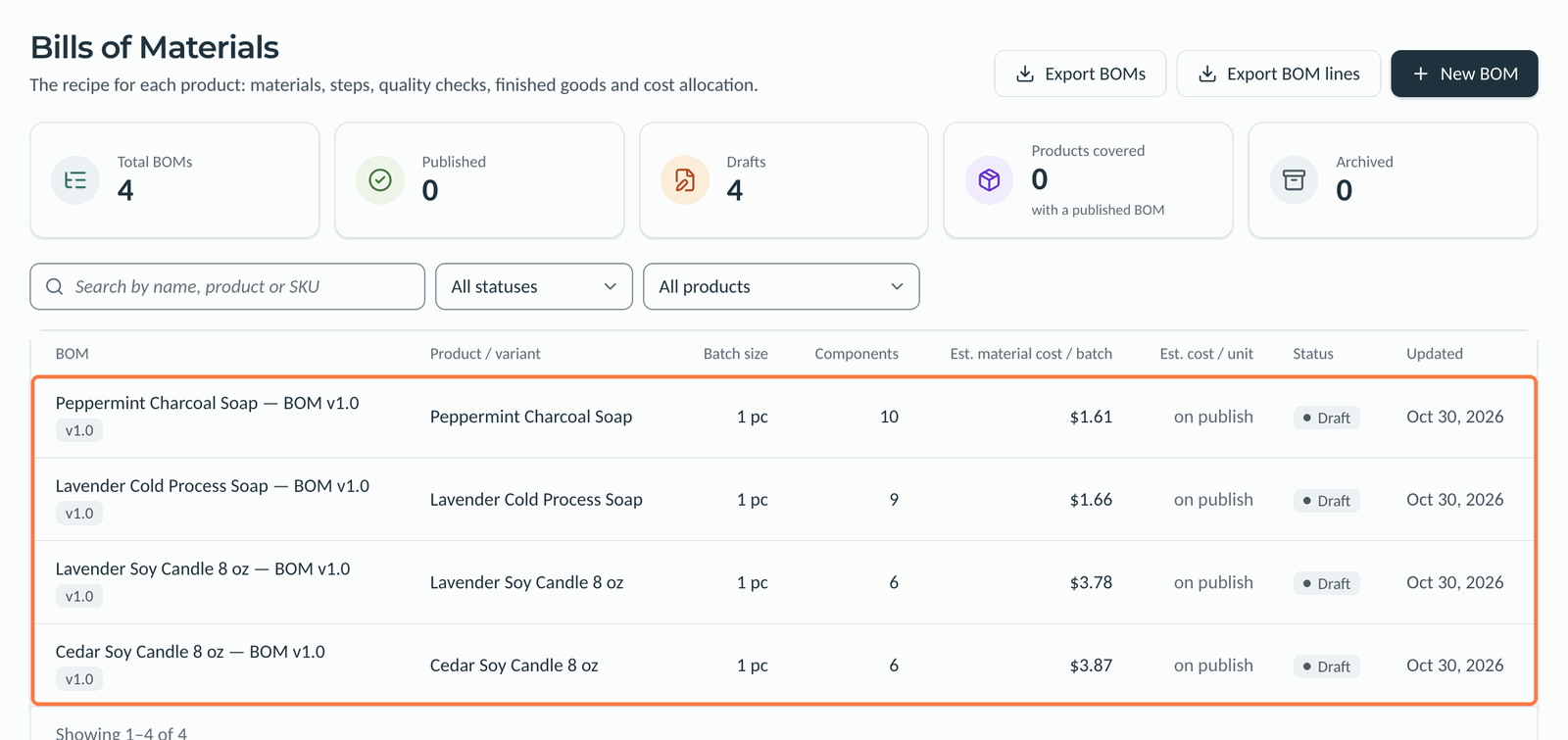
Open BOMs. You should see one draft for each product at v1.0. A product with two drafts was split across files.
 (view larger)
Related articles
Still need a hand?
Our support team is here when you need a person.